 All Release Notes
Support for Status Page Subscription via Webhook
We are happy to announce your Status Page users now have the ability to subscribe and unsubscribe to updates using the Webhook Option.
The subscription procedure remains the same: by navigating to the Status Page live preview, and by selecting the Subscribe to Updates button, users can select the Webhook option.
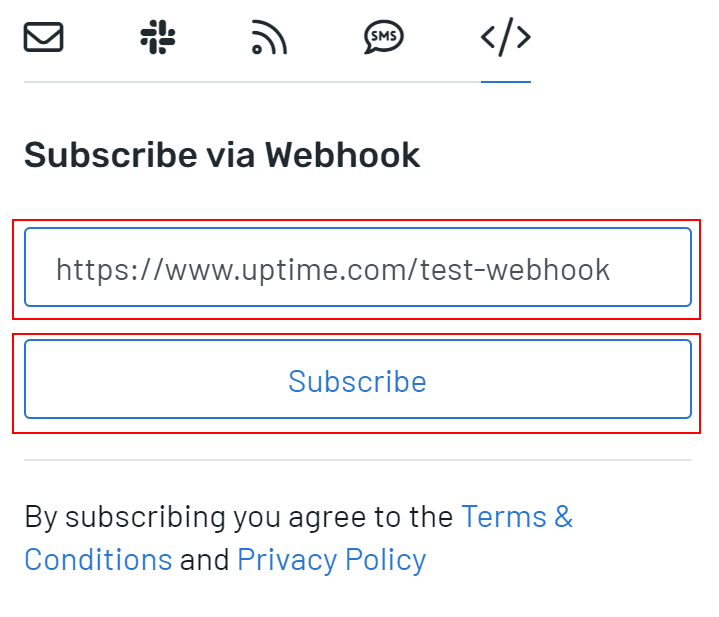
You can also import, export, and delete current Webhook subscribers by navigating to your Status Page settings and selecting the Subscribers tab. The Webhook subscribers section lists subscribers and allows for importing and exporting.
For more information, please read our documentation on subscribing and unsubscribing to the Status Page using Webhooks.
Manage Webhook Subscribers to Status Page via the REST API
There is also the option to manage the Webhook subscribers on your Status Pages using the REST API.
To view more information, navigate to the API documentation within your Uptime account by clicking Settings > API, or by clicking this direct link.
The Status Page subscribers’ endpoints are located in the status pages section of the schema. For example, the GET command to list all subscribers to a Status Page is directly linked here.
For more information on the update to status page incidents, check out our support article on our REST API.